
Video to Slides Converter
Extract key frames from webinars, lectures, and recordings. CopySlides rebuilds them as fully editable slides—export to PPTX or Google Slides.
from 99+ happy users
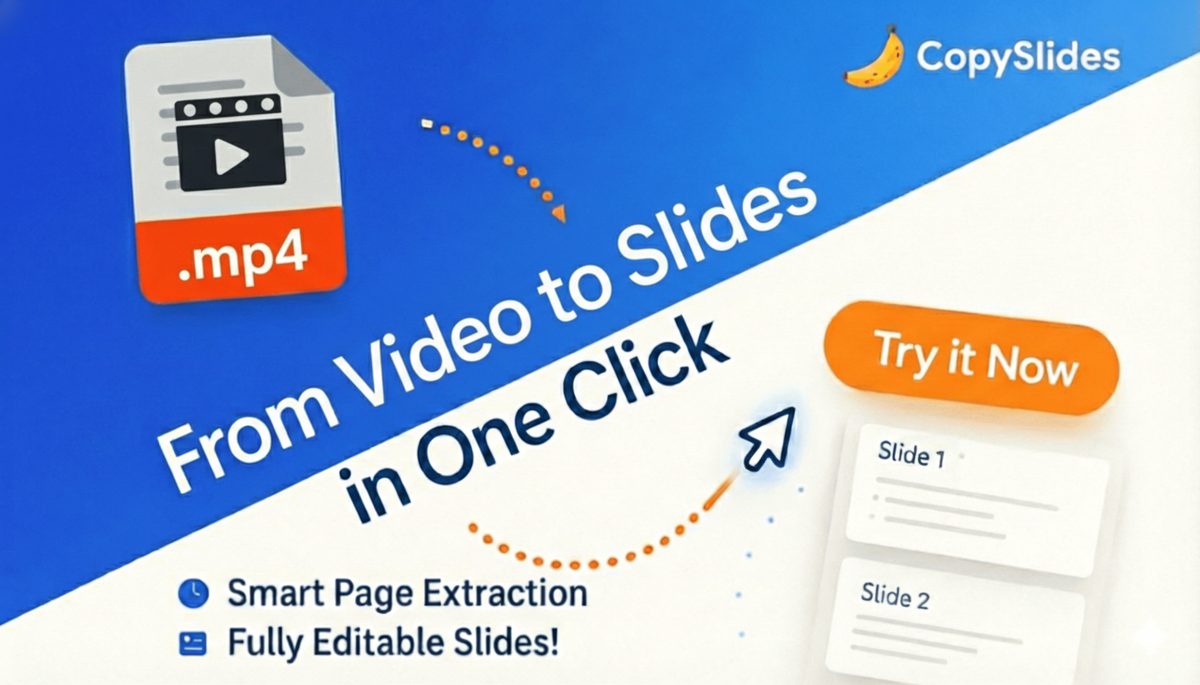
From Video Recording to Editable Presentation
We don't just screenshot frames—we rebuild each slide as editable content you can modify.
Smart Frame Extraction
AI detects slide transitions and extracts only the unique frames that matter.Editable Text Output
Text from video frames is extracted and made fully editable—not just images.Layout Reconstruction
Slide layouts are analyzed and rebuilt with proper structure and alignment.Clean Output
Video artifacts, presenter overlays, and noise are filtered out automatically.
Extract Slides from Video in 3 Steps
The easiest way to turn webinar recordings into editable presentations.
1. Upload Your Video
Upload MP4, MOV, or other common video formats. We support recordings up to 2 hours.
2. AI Extracts & Rebuilds
Our AI detects slides, extracts key frames, and rebuilds them as editable slide elements.
3. Download & Edit
Get your editable deck as PPTX or open directly in Google Slides to start editing.
Why CopySlides for Video to Slides?
The only tool that gives you truly editable slides from video recordings.
Intelligent Scene Detection
AI identifies slide transitions and extracts only unique slides—no duplicates.
Presenter Overlay Removal
Video overlays, webcam windows, and watermarks are filtered out automatically.
Editable Text Extraction
Text is extracted and made editable—not just screenshots of video frames.
Long Video Support
Process recordings up to 2 hours. Perfect for full webinars and lectures.
Multiple Format Support
Upload MP4, MOV, AVI, MKV, and other common video formats.
Timestamp Mapping
Each extracted slide is mapped to its timestamp in the original video.
Trusted by Professionals Who Extract Slides from Videos
See how others use CopySlides to turn recordings into editable presentations.
Dr. Chen W.
University Professor
“I extract slides from recorded lectures to create study materials for students. Video to slides is a huge time saver.”
Tom H.
Tech Conference Attendee
“Recorded a great keynote and extracted all the slides. Now I have an editable reference deck for my team.”
Marcus J.
Graduate Student
“Extracting slides from lecture recordings helps me study more effectively. The text is actually editable for notes!”
David M.
Training Coordinator
“Converting recorded training sessions to slides lets us create handout materials without manual screenshot work.”
Ryan T.
Event Organizer
“After every conference, we extract slides from recordings to share with attendees. Video to PowerPoint is essential.”
Kevin W.
Sales Enablement
“We convert product demo recordings into training slides for new sales reps. The scene detection is impressive.”
Dr. Chen W.
University Professor
“I extract slides from recorded lectures to create study materials for students. Video to slides is a huge time saver.”
Tom H.
Tech Conference Attendee
“Recorded a great keynote and extracted all the slides. Now I have an editable reference deck for my team.”
Amanda R.
L&D Manager
“We turn training webinars into editable slide decks for our internal knowledge base. The extraction is incredibly accurate.”
Sarah K.
Content Marketing Lead
“I repurpose webinar content into new presentations. Video to slides extraction makes this workflow 10x faster.”
Lisa P.
Competitive Intelligence
“We convert competitor webinars into internal competitive analysis decks. Completely editable and professional.”
Jennifer L.
Course Creator
“I extract slides from my own video courses to create downloadable resources for students. Perfect for online education.”
Michelle S.
Research Analyst
“Extracting slides from industry webinars saves hours of note-taking. The editable output is perfect for reports.”
Emma C.
Medical Educator
“Extracting slides from recorded medical lectures for resident training. The accuracy is critical and CopySlides delivers.”
Amanda R.
L&D Manager
“We turn training webinars into editable slide decks for our internal knowledge base. The extraction is incredibly accurate.”
Sarah K.
Content Marketing Lead
“I repurpose webinar content into new presentations. Video to slides extraction makes this workflow 10x faster.”
Simple, Transparent Pricing
Start with free credits. Process more videos as you grow.
Starter
For light use
- Up to 200 slides / month
- High-fidelity editable PPTX
- Remove NotebookLM watermarks
- Cancel anytime
Plus
For regular use
- Up to 600 slides / month
- Everything in Starter
- Email support
- Cancel anytime
Lifetime
Ends in 00:00:00
- Unlimited slides via Desktop App
- 10,000 slides via Web & Extension
- Licensed for up to 3 devices
- Founder-level support
- Every future update, free
Video to Slides: Frequently Asked Questions
Everything you need to know about extracting slides from videos.
What video formats are supported?
We support MP4, MOV, AVI, MKV, WebM, and most common video formats. For best results, use clear recordings with visible slides.
How long can my video be?
Basic plan supports videos up to 30 minutes. Pro and LTD plans support recordings up to 2 hours.
How does slide detection work?
Our AI analyzes the video to detect slide transitions and extracts only unique slides—no duplicate frames.
What about presenter overlays?
Webcam overlays, watermarks, and video artifacts are automatically filtered out during extraction.
Will the text be editable?
Yes! We extract and rebuild text as editable text boxes, not just screenshots of video frames.
What if extraction fails?
Failed extractions don't charge credits. If our system can't process your video, your credits remain safe.
Ready to Extract Slides from Your Videos?
Turn webinars, lectures, and recordings into editable presentations in minutes.